

Bring your SaaS email workflow together
As your team grows, more people end up touching every one of your SaaS emails, from onboarding sequences to transactional email templates.
RGE Studio goes beyond a typical email builder for SaaS teams, giving everyone one shared email workspace to create, review, approve, and hand off work before it goes out.
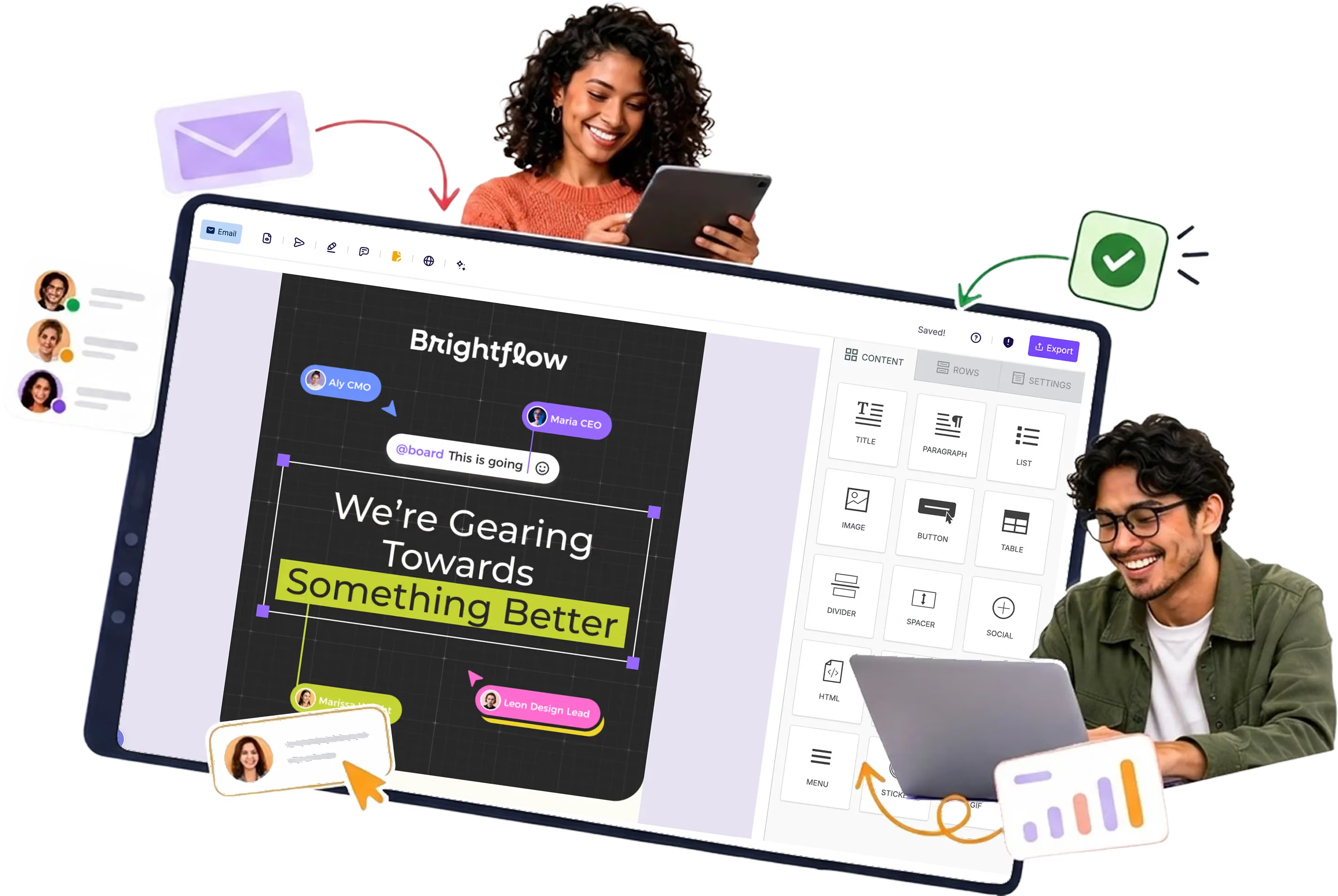
Trusted by SaaS teams building email at scale
Build faster, stay on brand, and keep every product's email calendar moving with fewer handoffs.












More products shouldn't mean a more fragmented email workflow
What changes when the extra handoffs disappear
Fewer handoffs
Clear ownership
Feedback in one place
A simpler ESP handoff
Built to work with your current ESP
RGE Studio is an email design and collaboration platform, not a sending platform. Teams create, review, and approve emails here, then move the final design into Pardot, Salesforce Marketing Cloud, HubSpot, or whichever SaaS email marketing platform already handles sends.

Connects to what's already there
Pardot, Salesforce Marketing Cloud, HubSpot, and more, or clean HTML export.

Keep the ESP already in place
Your current ESP keeps handling sends, with no migration to plan.

Start designing right away
Teams pick up RGE Studio for design, with their send setup untouched.
Stop rebuilding recurring emails from scratch
Reusable blocks
Turn common sections into building blocks you drop into any new email.
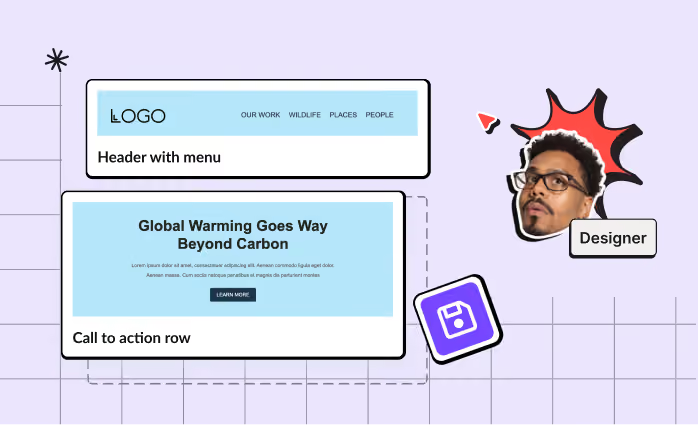
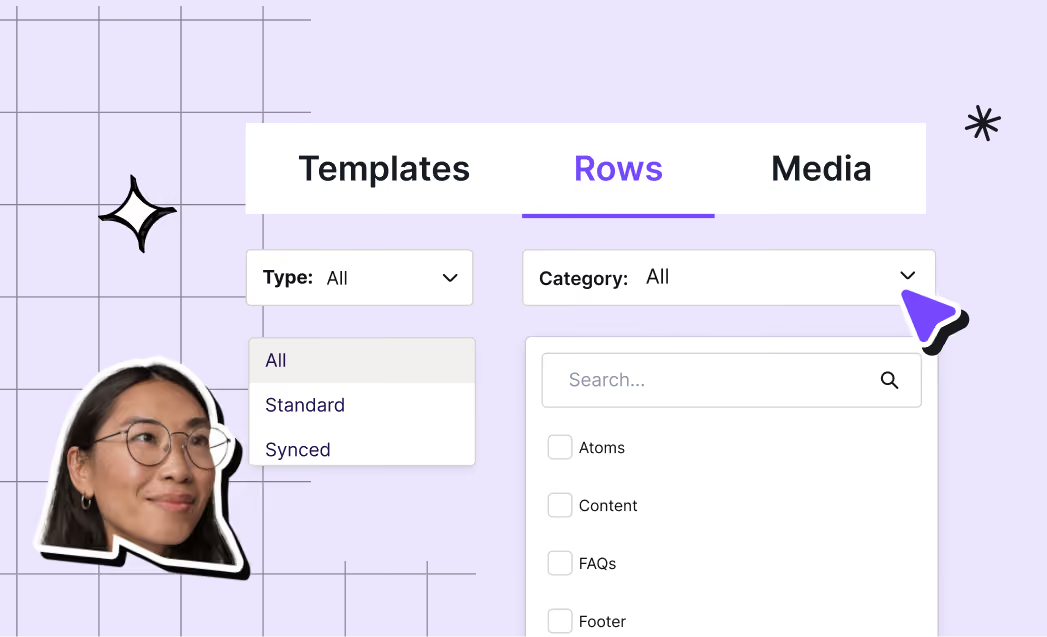
Saved and Synced Rows
Reuse a header, footer, or CTA as a Saved Row, or make it a Synced Row to update it everywhere.
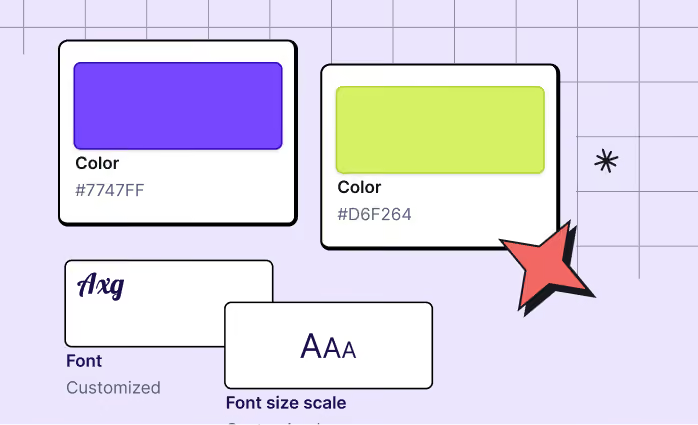
Consistent styles
Share brand colors, fonts, and components from a saved template across every workspace.
Keep feedback on the email, not in threads
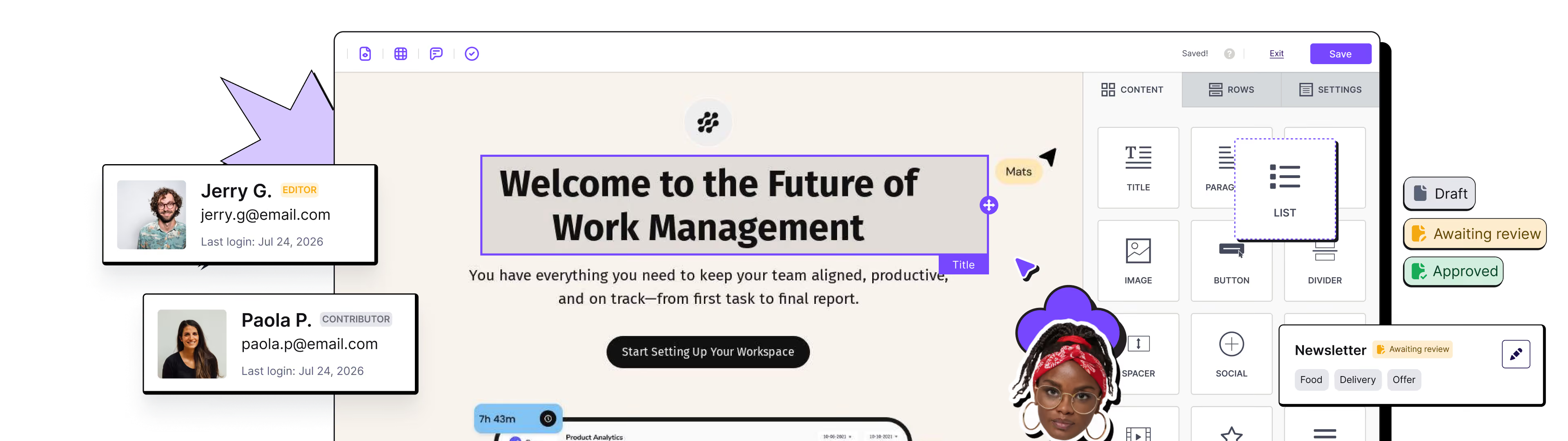
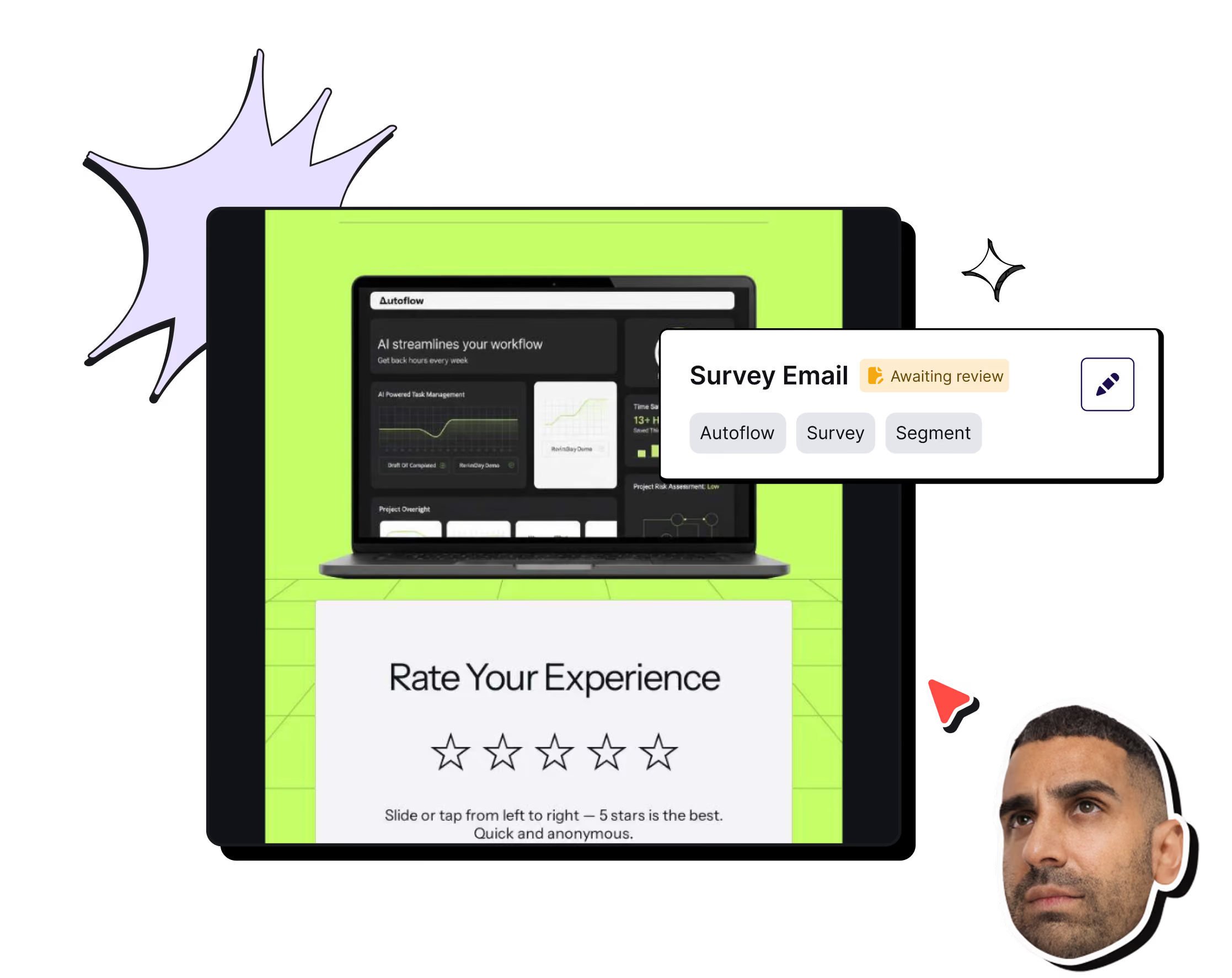
Every email needs a second set of eyes before it ships. Marketing, product, and CRM teams work from the same design, with every comment and sign-off attached to it.
RGE Studio, the email collaboration tool, keeps that record intact even in an exported PDF, and locks the design once approved.
83% of users report their approval process is at least 50% faster with RGE Studio.
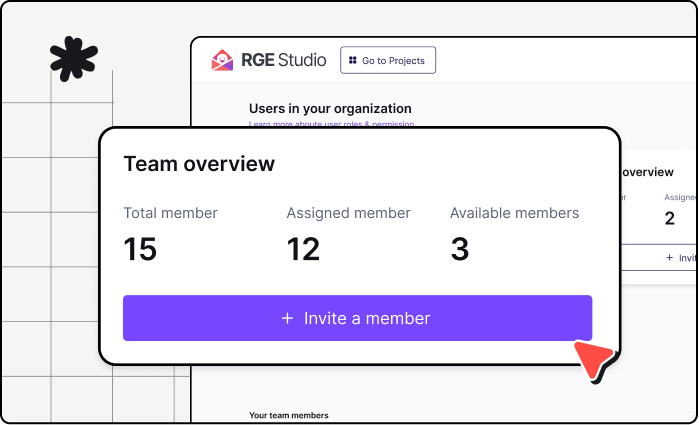
Clear roles
Set edit, review, and approve permissions.
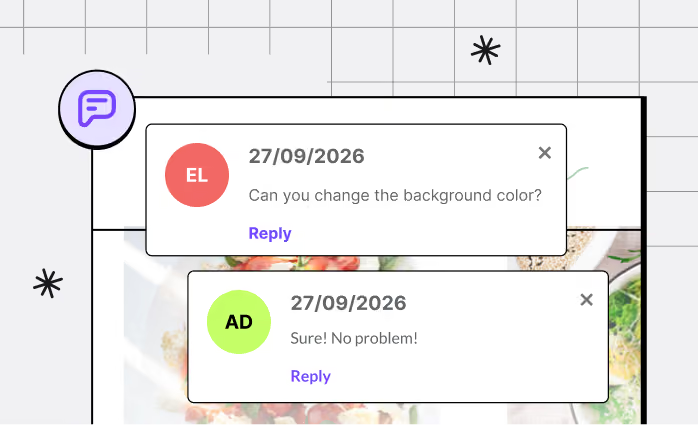
Reviews & comments
Invite reviewers, internal or external, as guests to comment directly on the design; no account required.
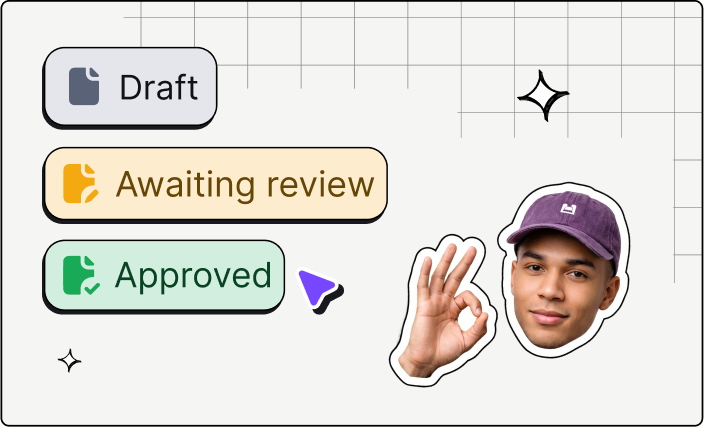
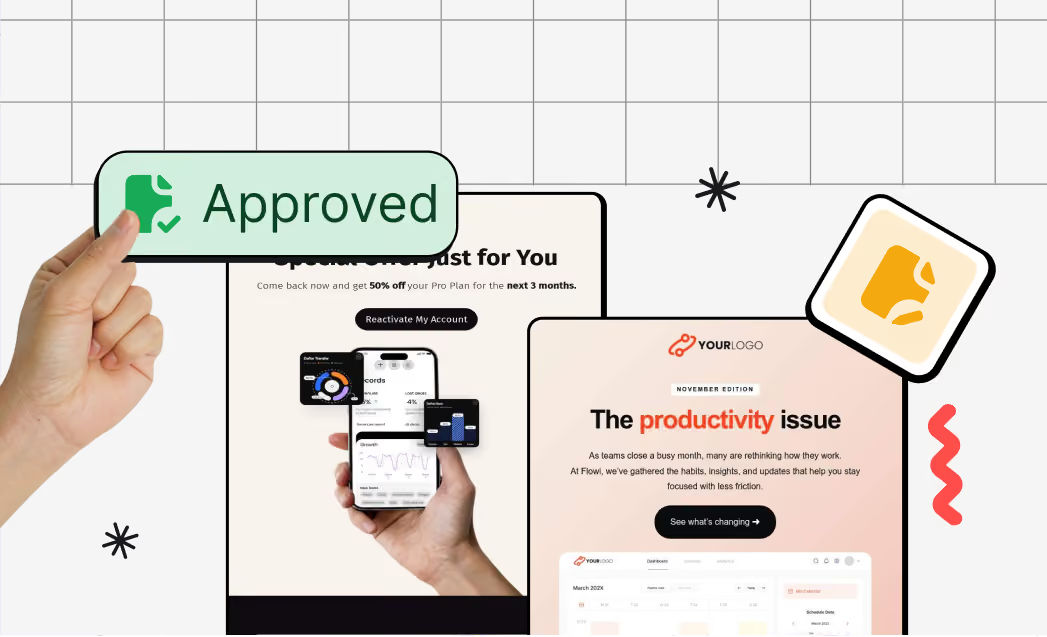
Multi-step approval
Set up an email approval workflow with multiple review steps, each with its own reviewer.
Give each product its own space
Per-workspace permissions become even more useful as the team grows. Ownership stays clear as new products and workspaces are added, and every workspace stays part of the same email production workflow.
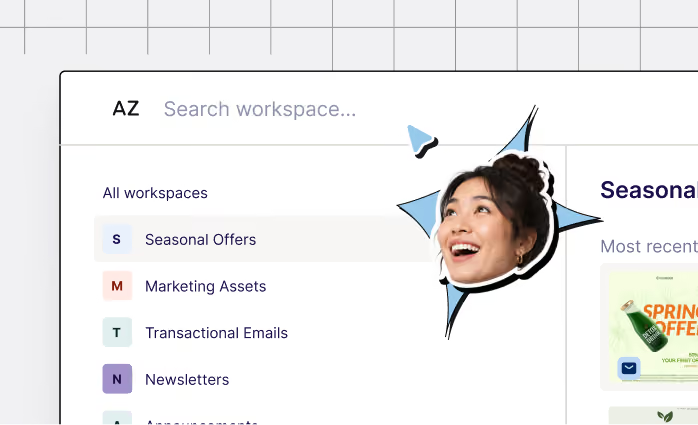
Workspaces
Each team or brand gets its own space for users, assets, and campaigns (Business and Enterprise plans).
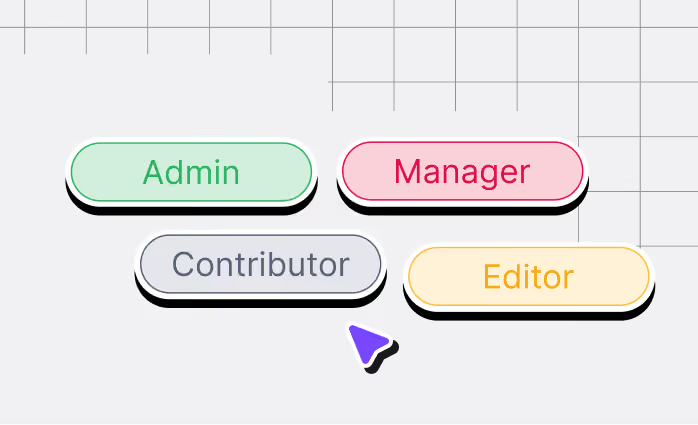
Roles and permissions
Decide who can edit, review, and publish, workspace by workspace.
Brand assets
Keep brand assets consistent across every workspace.
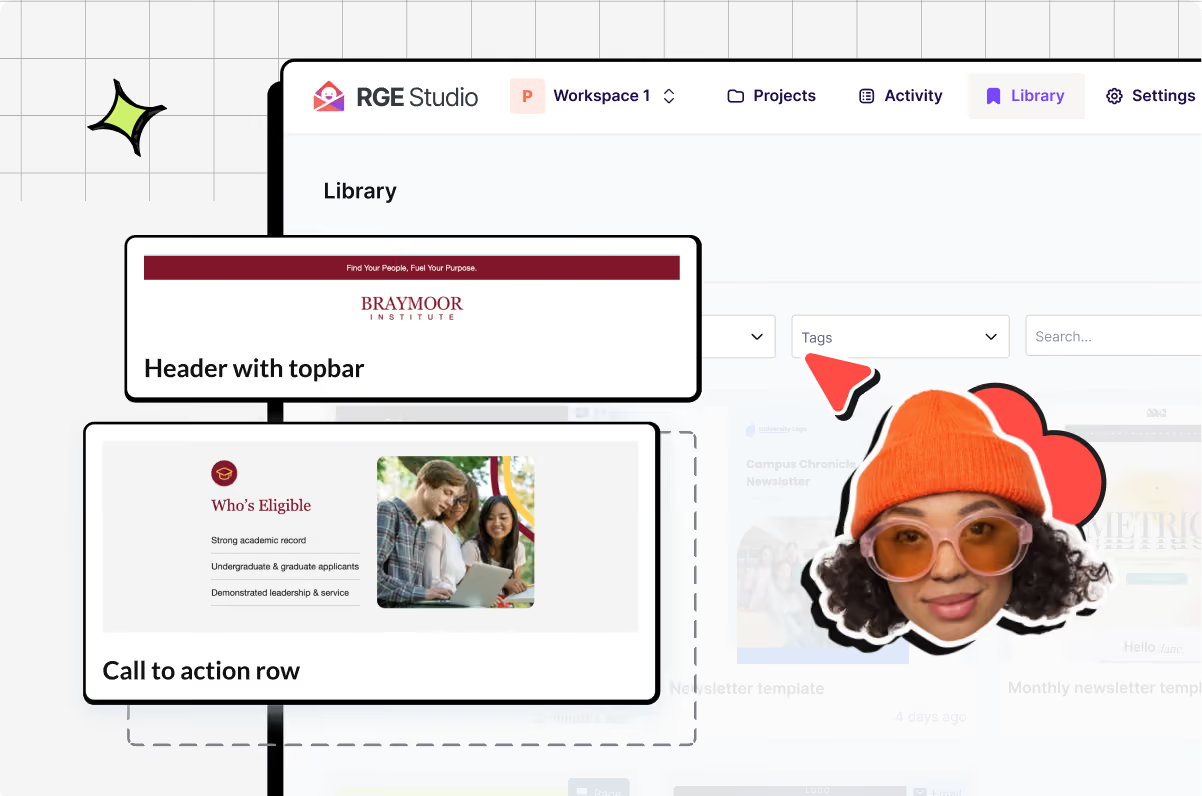
Template management
Save and reuse templates across brands and workspaces (availability may vary by plan).
Easy to pick up as the team grows
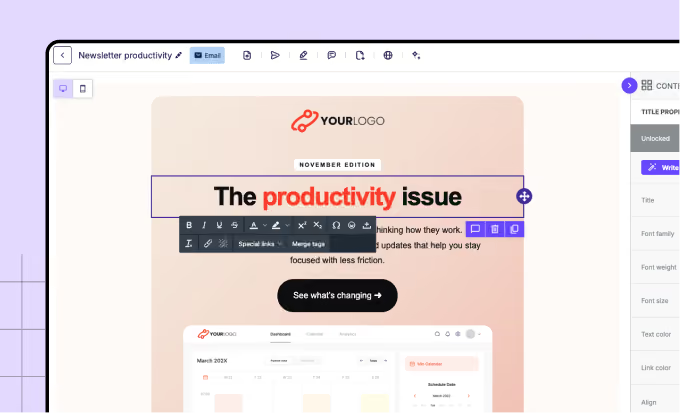
RGE Studio gives marketers a visual, drag-and-drop workflow for responsive email design, built so routine changes don't need a developer.
Drag-and-drop editing: build and adjust emails visually, no code required.
Mobile Design Mode: fine-tune the mobile experience directly, on the same design, no rebuild needed.
Same workflow across workspaces: teams use the same editor, keeping the experience consistent as the organization grows.
Dark-mode preview and Smart Check: catch rendering and accessibility issues before export, for more confident responsive email design across inboxes (Business and Enterprise plans).
Custom HTML, HTML import, and controlled handoff are there when needed. Non-technical teams handle most layout and content updates on their own, while data models, complex personalization, custom integrations, sending logic, and some transactional workflows may still need developers. Rendering can still vary across email clients.
Design in RGE Studio, send from your stack
Using Pardot, HubSpot or another email marketing software for SaaS? Keep it for your sends. RGE Studio handles design, review, and approval, then hands off via direct integration or HTML export. No rip-and-replace, no new system to learn.
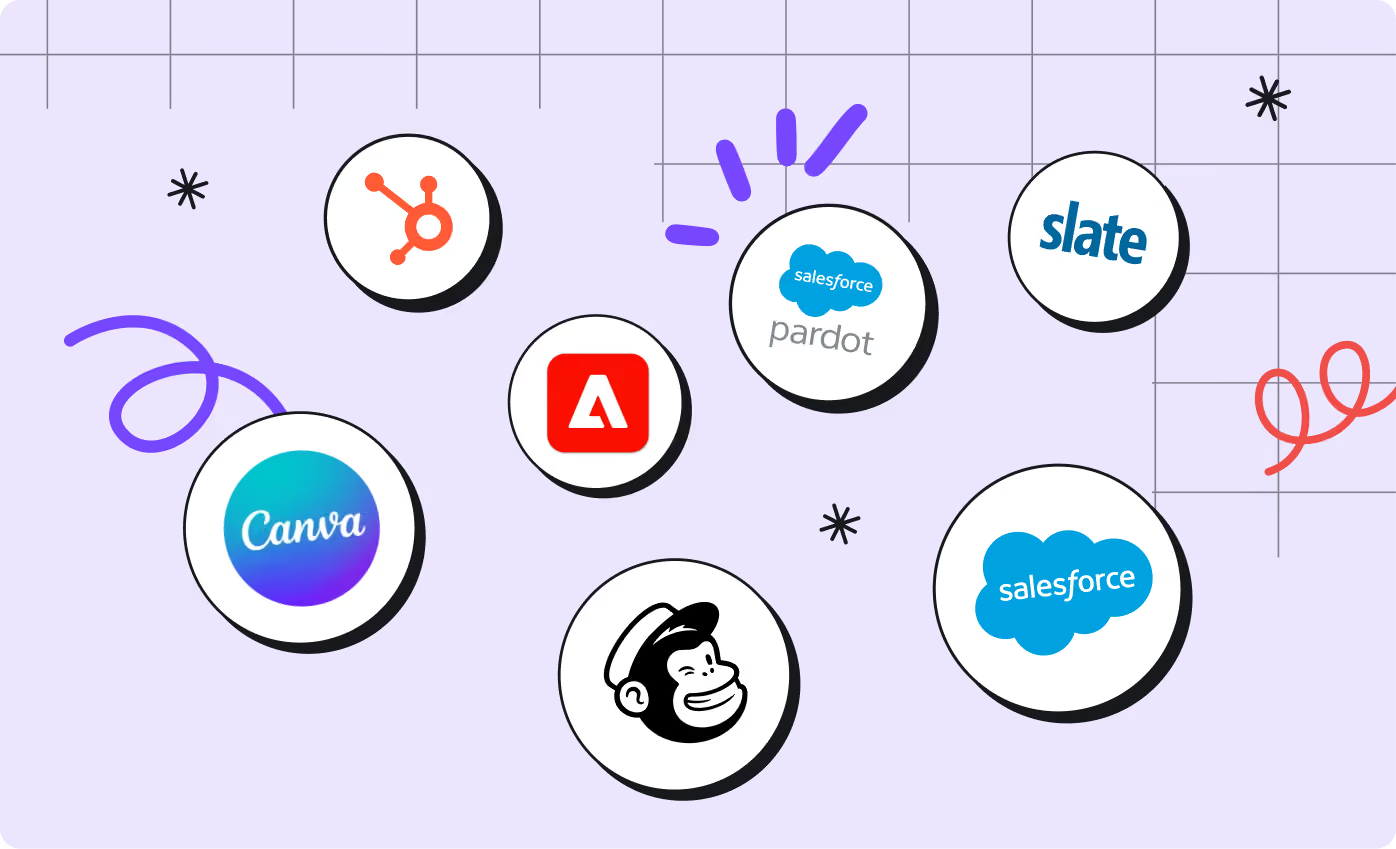
Direct integrations
Connect to Pardot, Salesforce Marketing Cloud, HubSpot, Marketo, Mailchimp, and more.
Download or copy HTML
Move clean HTML into platforms without a direct integration.
Custom Connector
Use webhooks to send design HTML to the delivery platform of choice.
Start from templates built for SaaS campaigns
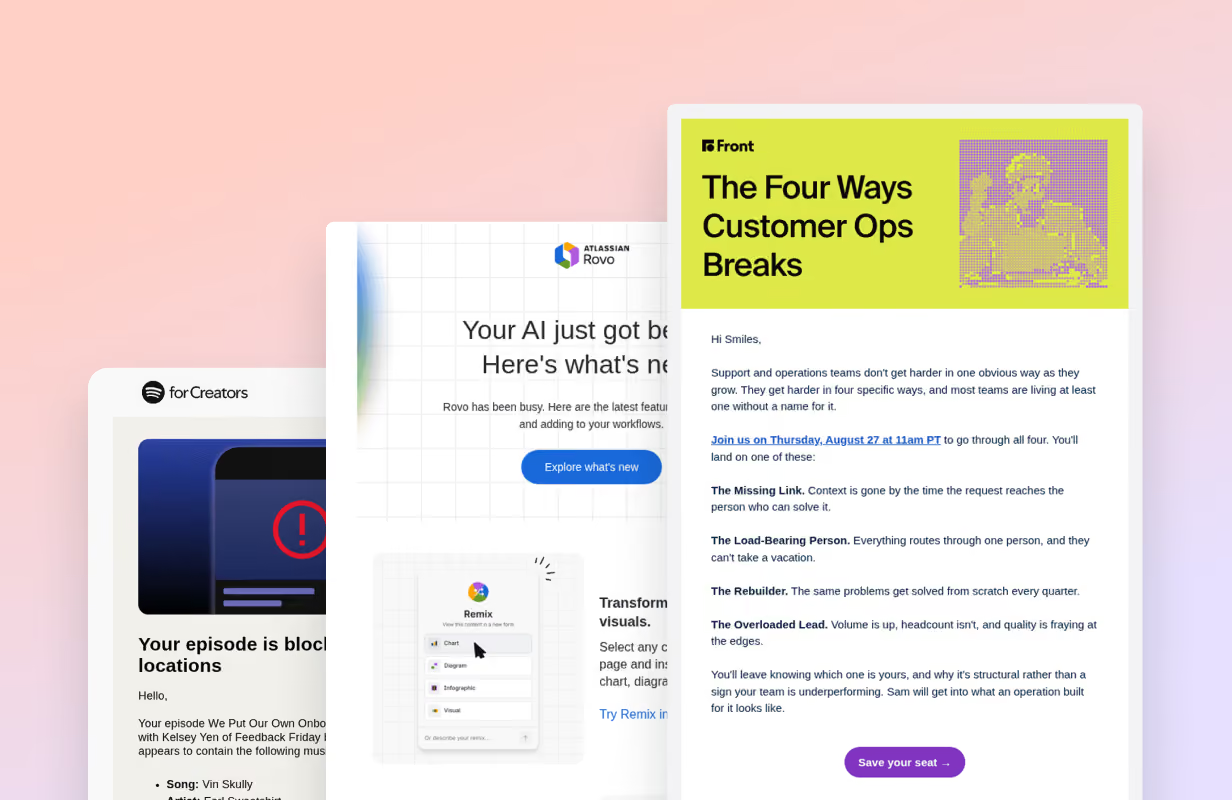
Get ideas from the gallery
Browse curated onboarding, welcome, product announcement, and retention emails, then build your own in RGE Studio.
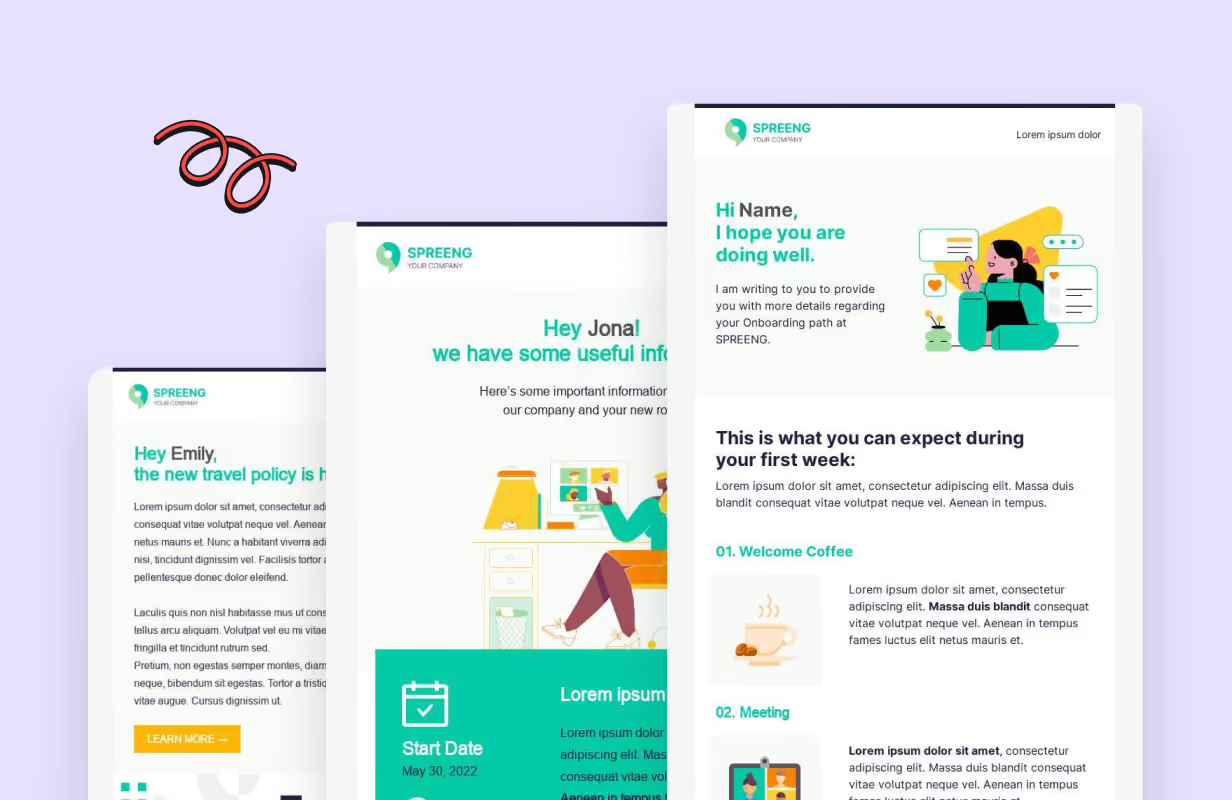
Start from a SaaS template
1,600+ responsive email designs, ready to customize for your campaign.
Ready to unify your SaaS email workflow?
Keep design, feedback, approvals, and handoff in one place, alongside the sending tools the team already relies on.
Frequently asked questions
What is RGE Studio for SaaS teams?
RGE Studio goes beyond a typical email builder for SaaS teams, bringing design, review, and approval into a single shared workflow so email doesn't fragment as the team, workspaces, and products grow.
Does RGE Studio replace our ESP?
No. RGE Studio is used to create, collaborate on, review, approve, and export email designs. Sending, audience management, automation, behavioral triggers, and campaign analytics stay with the connected ESP, marketing automation platform, CRM, or proprietary system.
Can RGE Studio be used to design transactional emails?
Yes. Teams can design responsive transactional email templates in RGE Studio and export the finished HTML or move the design through an available connector. The application or transactional provider still controls event triggers, personalization data, and delivery.
Does RGE Studio integrate with Pardot and Salesforce Marketing Cloud?
Yes. RGE Studio connects directly to Pardot and Salesforce Marketing Cloud, and to other platforms via HTML export or a custom connector (the exact integration type may vary by platform).
Can SaaS teams manage multiple products or brands in RGE Studio?
Yes. Each product, brand, or business unit gets its own workspace, so teams stay organized as the company grows.
Can SaaS teams reuse content across onboarding and lifecycle campaigns?
Yes. Templates, shared assets, and brand styles help teams reuse approved components across onboarding, lifecycle, product update, and retention campaigns, so recurring emails don't have to be rebuilt from scratch. Availability of some reuse features may vary by plan.
Can marketers build emails without relying on developers?
The no-code, drag-and-drop builder lets marketers and designers handle most layout and content updates on their own, no HTML required. Developers may still be needed for data models, complex personalization, custom integrations, or sending logic in the connected platform.
How does RGE Studio handle email reviews and approvals?
Teams can invite reviewers to comment directly on the design, set edit, review, and approve permissions per workspace, and configure multi-step approval for more complex sign-off.
What happens to my plan as my team grows?
You start on the plan that fits your team now, and move up as you add people. Your setup carries with you.